
Download Mod Organizer 2 – Modding Tool, Game Mod Management, Mod Installation, Mod Removal, Mod Collections, Game Enhancement
Overview
Mod Organizer 2 is a specialized utility designed for gamers who engage in modding, offering a streamlined approach to managing game modifications. Its primary purpose is to simplify the installation, organization, and removal of mods across a wide range of titles. By enabling users to handle multiple mods simultaneously without conflicts, it addresses one of the most common challenges in modded gaming: file overwrites and dependency errors. This tool is particularly valuable for players exploring complex modding communities such as those surrounding Skyrim and The Witcher 3, where hundreds of mods can be active at once.
The app targets both novice and experienced modders seeking a reliable, consistent workflow. While the developer, Mod Organizer, has not provided additional background details, the tool’s widespread use in modding circles suggests a strong community-driven foundation. Real-world use cases include creating themed gameplay experiences, optimizing performance, or restoring classic content. In the broader app ecosystem, Mod Organizer 2 fills a niche role as a productivity-enhancing tool for PC gamers, offering functionality that is not natively available in most games. Its ability to manage over 50 supported games underscores its versatility and relevance in the modding space.
Key Features & Functionality
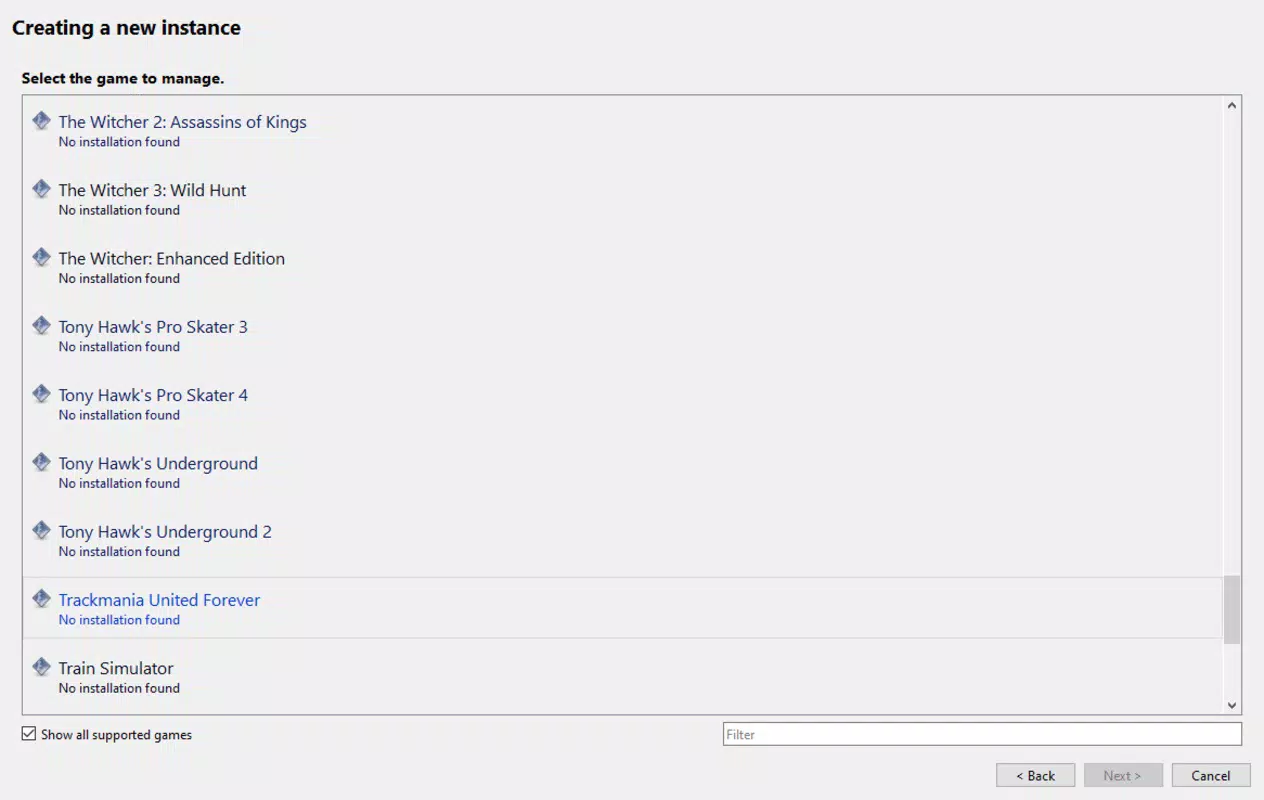
- Broad Game Compatibility: Supports over 50 games, including Cyberpunk 2077, The Witcher 3, and Skyrim, enabling users to manage mods across multiple titles without switching tools.
- Easy Mod Installation: Integrates with Nexus Mods for direct downloads, reducing manual steps. Users can also install mods via local files, ensuring flexibility for those without account access.
- Quick Mod Removal: Allows users to disable or remove problematic mods instantly, minimizing game crashes and reducing troubleshooting time.
- Mod Collection Management: Enables users to create, save, and switch between custom mod sets—ideal for experimenting with different gameplay styles or themes.
- User-Friendly Interface: Features an intuitive layout that simplifies navigation, making mod management accessible even to those new to modding.
For example, a player might create a "Realistic Combat" collection with balance and graphics mods, then switch to a "Fantasy Exploration" set with quest and world expansion mods. The ability to toggle between these sets ensures a clean, stable gaming environment. Each feature is designed to reduce friction in the modding process, enhancing both efficiency and user confidence.
Interface, UX & Performance
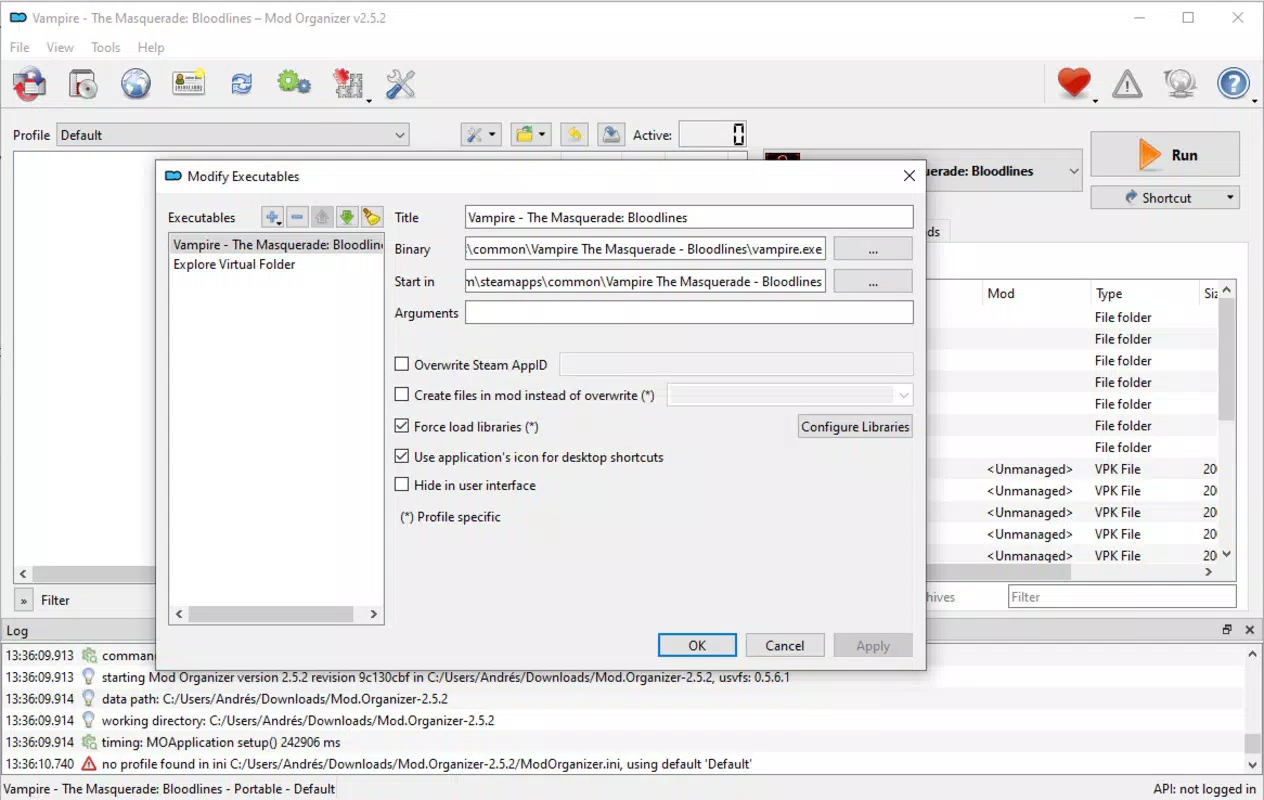
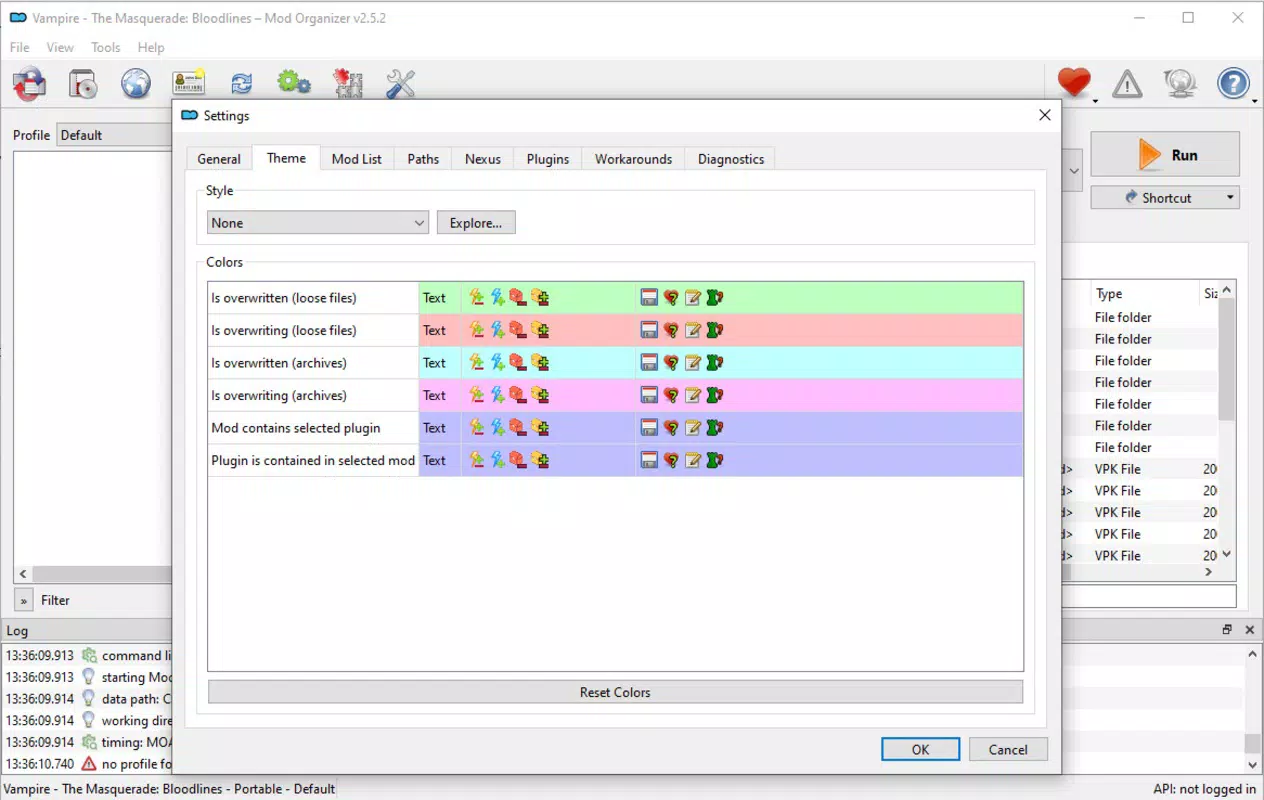
Mod Organizer 2 presents a clean, functional interface with a tab-based navigation system that organizes mod lists, game settings, and file management. The visual style is minimalistic, focusing on usability rather than aesthetics, which aligns with its productivity-oriented purpose. Users can easily view active mods, their load order, and potential conflicts through clearly labeled sections.
Navigating between game profiles and mod collections is straightforward, with drag-and-drop functionality for reordering mods. Although the developer did not list formal performance metrics, the app operates efficiently on standard Windows systems, maintaining responsiveness even with large mod sets. Stability is maintained through sandboxed mod directories, which prevent direct changes to game folders. The app’s lightweight nature—100 MB in size—contributes to fast startup times and low memory usage. While compatibility across device categories was not specified, its design suggests broad usability across desktop configurations.
Platform Compatibility & Technical Requirements
Mod Organizer 2 is available exclusively for Windows, making it accessible to PC gamers using the Windows operating system. The current version is 2.5.2, with a file size of 100 MB. Specific OS version requirements were not listed by the developer, though it is known to function on modern Windows platforms.
The app does not require a paid license, as it is distributed free of charge. Users should ensure their system meets standard PC gaming requirements to run both the base game and modded content effectively. The developer did not provide additional technical specifications, such as CPU or RAM thresholds.
Pros and Cons
Pros
- Supports over 50 games, making it highly versatile for modding across multiple titles.
- Enables quick installation and removal of mods, reducing setup and troubleshooting time.
- Offers robust mod collection management for personalized gameplay experiences.
- Free to download and use, with no in-app purchases or subscription fees.
- Intuitive interface that caters to both beginners and advanced users.
Cons
- Available only for Windows, limiting accessibility for users on macOS or Linux.
- Requires users to manage mod dependencies manually, which may be challenging for beginners.
- Does not include built-in mod validation or conflict resolution tools.
- Platform-specific design may not integrate seamlessly with cloud-based mod repositories.
- Developer did not provide detailed system requirements or compatibility notes.
FAQ
Is Mod Organizer 2 safe to use?
Yes, Mod Organizer 2 is a trusted tool used by the modding community. It operates by managing mod files in isolated directories, reducing the risk of corrupting the base game files. However, users should always download mods from reputable sources to ensure security.
Can I use Mod Organizer 2 with any game?
It supports over 50 games, including major titles like Skyrim and The Witcher 3. However, compatibility depends on whether the game is officially supported. Users should verify their game’s status on the official website before installation.
Do I need a Nexus Mods account to use Mod Organizer 2?
No, a Nexus Mods account is not required. While integration with the platform enables faster downloads, users can still install mods manually using local files.
Is Mod Organizer 2 free?
Yes, the app is completely free to download and use. There are no hidden fees, in-app purchases, or premium features.
How do I update Mod Organizer 2?
Updates are typically released through the official website. Users should periodically check for new versions to ensure compatibility with the latest game patches and modding tools.
Final Thoughts
Mod Organizer 2 stands out as a powerful, no-cost solution for managing game modifications on Windows. Its ability to handle multiple mods across diverse titles, combined with a clean interface and efficient workflow, makes it an indispensable tool for both casual and dedicated modders. While it lacks cross-platform support and advanced automation features, its core functionality is reliable and well-executed. Gamers seeking to enhance their experience with custom content will find significant value in its organization, flexibility, and ease of use. For those invested in modding communities, this app is a foundational asset.
Download Mod Organizer 2 now


